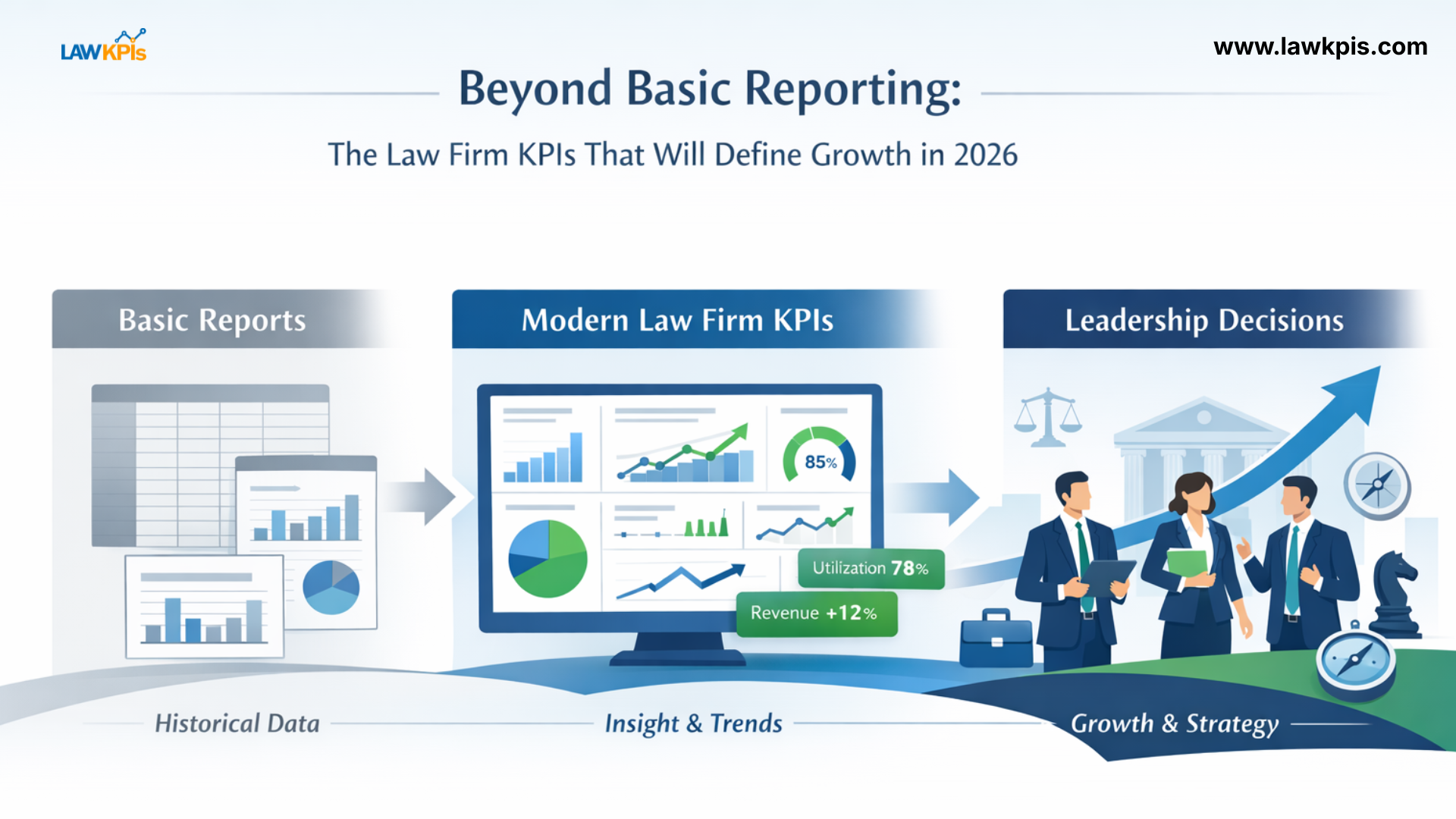
Law Firm Financial Metrics Explained Most managing partners don’t have a data problem. They have…

Not Sure How to Set and Track KPIs for Your Law Firm?
Running a law firm in today’s fast-paced, data-driven world demands more than just delivering quality legal services. It also means operating like a high-performing business. Whether you’re a solo practitioner, mid-sized firm, or large legal operation, having visibility into your firm’s performance through Key Performance Indicators (KPIs), is essential for sustainable growth and profitability.
But here’s the challenge: even with advanced legal management systems like Clio, MyCase, or Lawcus, many firms still find themselves lost when it comes to setting, tracking, and acting on the right KPIs. Data is often spread across systems. Reports are generic or hard to customize. Manual Excel-based tracking eats into valuable time. This lack of clarity and structure results in missed opportunities and reactive decision-making.
This blog will walk you through a simple, but powerful KPIs framework tailored for modern law firms and show you how LawKPIs makes implementing it effortlessly.
Why KPIs Matter for Every Law Firm
KPIs are measurable values that reflect your firm’s performance. They answer crucial questions:
-
Are we hitting our revenue goals?
-
Which practice areas are most profitable?
-
Are attorneys being fully utilized?
-
Are our clients satisfied with the service we provide?
-
How quickly are we resolving matters?
Without tracking these metrics, law firms risk flying blind. You might be working hard but not smart, spending resources inefficiently, or missing growth trends altogether.
A good KPI system gives you:
-
Clarity on what’s working and what’s not
-
Control over operations
-
Confidence in your business decisions
Common KPI and Reporting Challenges
Even with powerful tools like Clio, MyCase, or Lawcus, reporting and KPI tracking often falls short for a few key reasons:
-
Data Silos: Information is scattered across billing, case management, and intake tools
-
Limited Customization: Built-in reports are often too rigid or generic
-
Manual Work: Tracking KPIs with spreadsheets is time-consuming and error-prone
-
Lack of Strategic Insights: Reports show data but don’t answer big-picture questions
If this sounds familiar, you’re not alone. Many firms rely heavily on manual processes or basic reports that only scratch the surface.
This is exactly why LawKPIs was created: to extend the power of your LMS and turn data into strategic intelligence.
A Simple KPI Framework Every Law Firm Can Use
LawKPIs offers a proven framework that law firms can apply immediately, tailored to five essential performance areas:
1. Billing & Revenue Metrics
-
Billable vs. Non-Billable Hours
-
Realization Rate (how much of billed work is collected)
-
Collection Rate
-
Revenue by Practice Area / Attorney
These KPIs help you monitor income, improve cash flow, and ensure you’re getting paid for your work.
2. Productivity & Utilization Metrics
-
Attorney Utilization Rate
-
Hours Worked vs. Hours Billed
-
Timekeeper Activity Trends
Use these metrics to assess how efficiently your team is working and whether they are spending time on high-value tasks.
3. Client & Matter Management Metrics
-
Client Intake-to-Hire Conversion
-
Matters Opened vs. Matters Closed
-
Client Retention Rate
These KPIs offer insight into your firm’s growth and client experience.
4. Case Progress & Lifecycle Metrics
-
Average Case Duration
-
Stage-by-Stage Completion Time
-
Case Bottleneck Identification
Tracking this data helps uncover delays in workflows and improve case efficiency.
5. Financial Health Metrics
-
Accounts Receivable Aging
-
Net Profit Margin
-
Cost per Case
These indicators ensure you’re running a financially sound practice with healthy margins.
Why LawKPIs Is the Ideal Solution for Clio, MyCase, and Lawcus Users
Rather than replacing your legal management software, LawKPIs seamlessly integrates with it, making your data more powerful, insightful, and actionable.
Here’s how:
-
Deep Integrations: LawKPIs syncs directly with Clio, MyCase, and Lawcus to pull in real-time data.
-
Automated Reports: Save hours by eliminating manual Excel work.
-
Visual Dashboards: Interactive, user-friendly dashboards let you monitor trends, performance, and anomalies at a glance.
-
Custom KPIs: Create reports specific to your practice areas, team structure, and goals.
-
Scheduled Reporting: Receive weekly or monthly reports delivered straight to your inbox.
-
Actionable Alerts: Get notified when KPIs fall below target or unusual trends emerge.
Whether you’re a managing partner, operations manager, or firm administrator, LawKPIs puts the power of business intelligence in your hands.
A Real-World Example: Transforming Reporting at Wagner Law Firm
Jason Wagner of Wagner Law Firm shared how LawKPIs transformed their reporting. Before LawKPIs, the firm spent hours each week manually building reports in Excel. Now, thanks to seamless integration with Clio, they save over 10 hours a month and access:
-
Real-time performance dashboards
-
Weekly revenue and profitability reports
-
Attorney performance breakdowns
-
Trend tracking going back to 2018
The result? Clearer decisions, more confident planning, and a more profitable firm.
Final Thoughts
Choosing and tracking the right KPIs shouldn’t be overwhelming. With a clear framework and the right technology, your firm can:
-
Identify performance gaps
-
Uncover growth opportunities
-
Save time on manual work
-
Make informed business decisions
The result? Clearer decisions, more confident planning, and a more profitable firm.
LawKPIs gives you a plug-and-play solution that extends your legal management software and delivers the strategic insight your firm needs to thrive.
Ready to simplify your KPI tracking? Contact us today!

Related Posts